How to remove someone’s access
Take away a login straight away, or cancel an invitation that was not accepted.
Steps
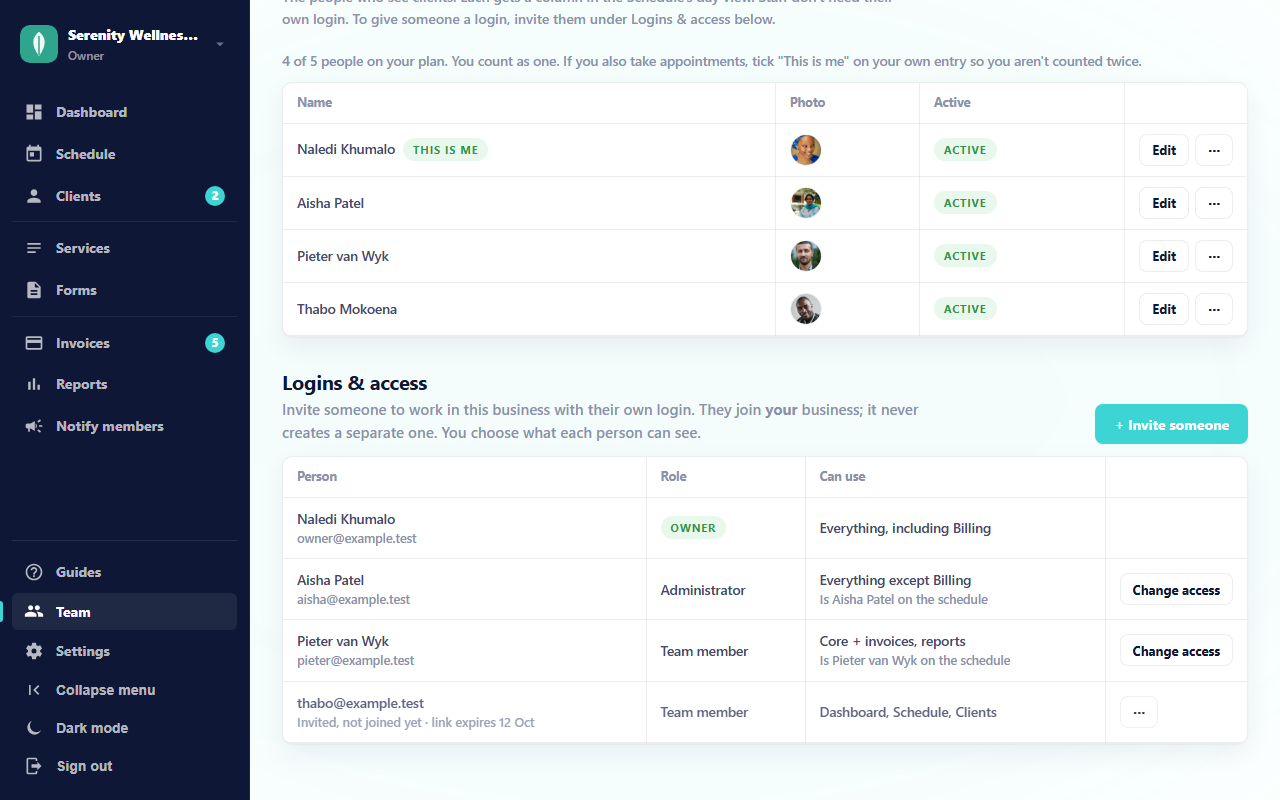
- Open Team and scroll to “Logins & access”.
- Click “Change access” on the person.
- Click “Remove from team” at the bottom left.
- Confirm the question that pops up.
What happens
- They lose access straight away.
- Their past bookings and notes stay in your business.
- To stop a pending invitation, use the ⋯ menu on its row and choose “Cancel invitation”.
- Their roster entry is separate. Deactivate it under Staff if they should also leave the Schedule.