How to accept a team invitation
For the person invited: open the link and join the business you were invited to.
Steps
- Open the email and click the invitation link.
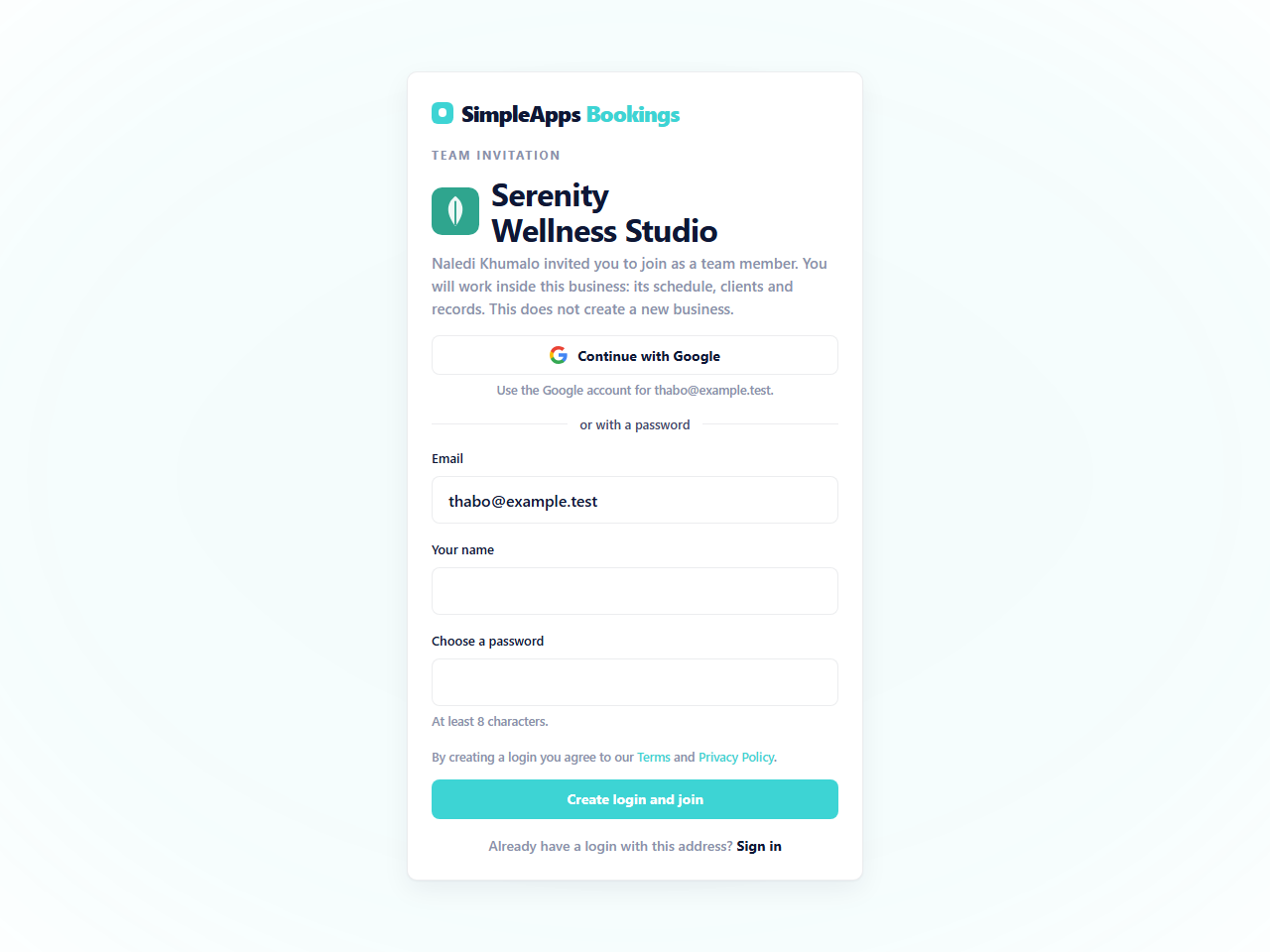
- You see the business name, who invited you and your role.
- Choose “Continue with Google”, or use the password form.
- If you are new, type your name and choose a password of at least 8 characters, then click “Create login and join”.
- If you already have a login with that address, click “Sign in”, then “Sign in and join”.
- You land on that business’s Dashboard.
Good to know
- Accepting never creates a new business. You work inside the business that invited you.
- The email box is locked to the invited address.
- If you are signed in as someone else, you will see “Sign out and continue”.
- If you already own a business, you keep it and can switch between the two.