Who can see session records (assigned-only visibility)
Choose whether every team member sees every client’s records, or only the visits assigned to them.
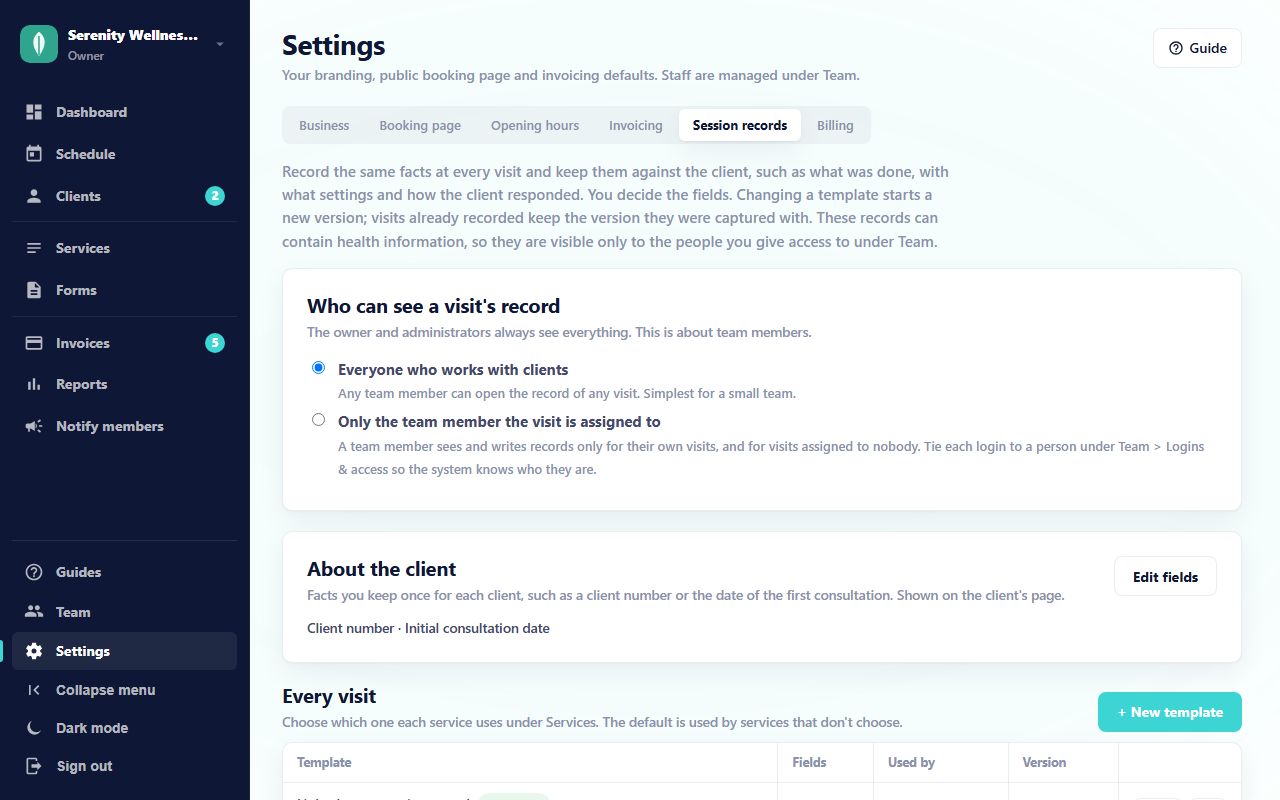
The owner and administrators always see everything. This setting is about team members.
Steps
- Open Settings and click the Session records tab.
- Find Who can see a visit’s record.
- Choose Everyone who works with clients, or Only the team member the visit is assigned to.
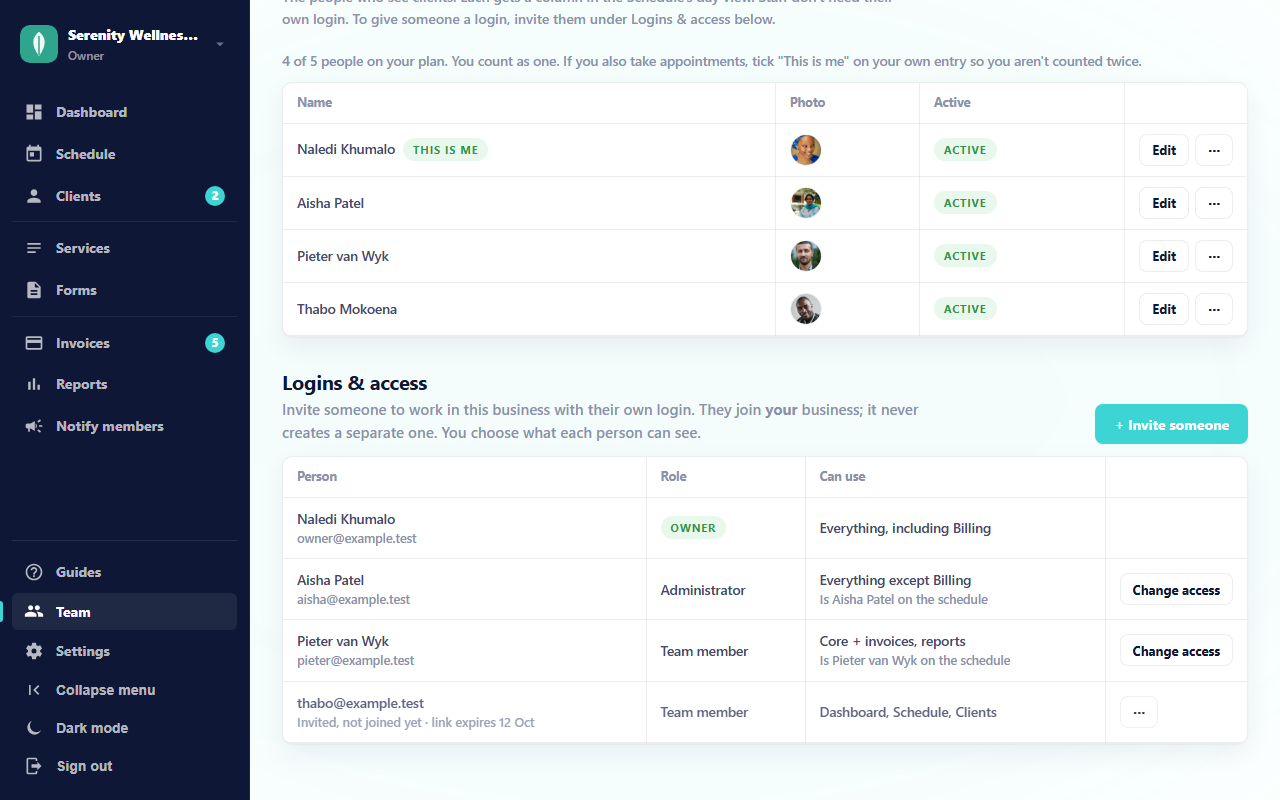
- Open Team and go to Logins & access. Tie each team login to the right person on your schedule (“This login is…”).
What assigned-only means
A team member only opens and writes records for visits assigned to them, or assigned to nobody. When they open a client, a note tells them how many other visit records are not shown to them because they are assigned to someone else.