How to share a form with a link
Send a published form to anyone by link or WhatsApp, without them booking first.
Steps
- Open Forms and click Edit on the form.
- Make sure it is published. The Share button is only shown for published forms.
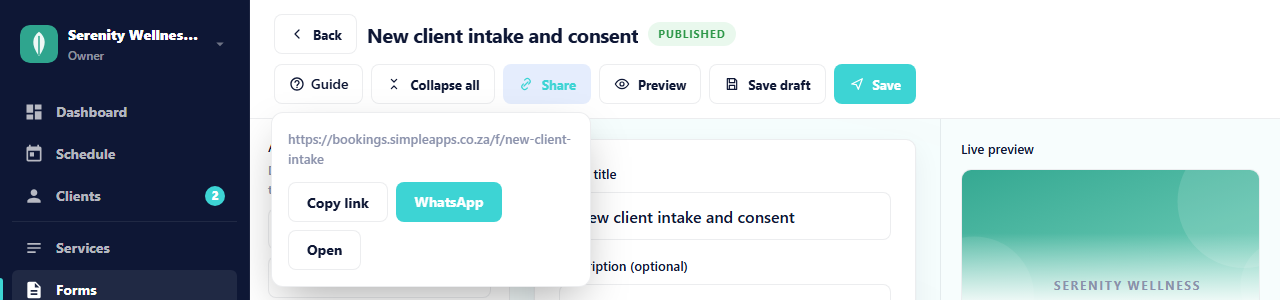
- Click Share.
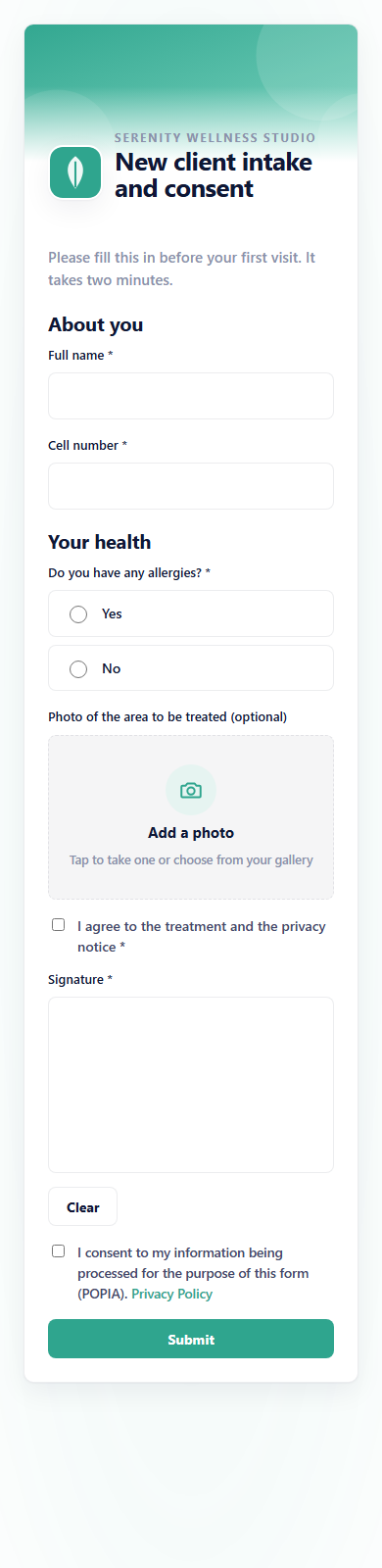
- Click Copy link to copy the link, WhatsApp to send it, or Open to see it as a client would.
About the link
Anyone with the link can fill in the form. Your form’s link is your website address followed by /f/ and the form’s name. The link works even without a booking, but then the answers are not linked to a client or visit.