What clients see, and the “form not completed” notice
How a client fills in your form on their phone, and how to chase one who has not.
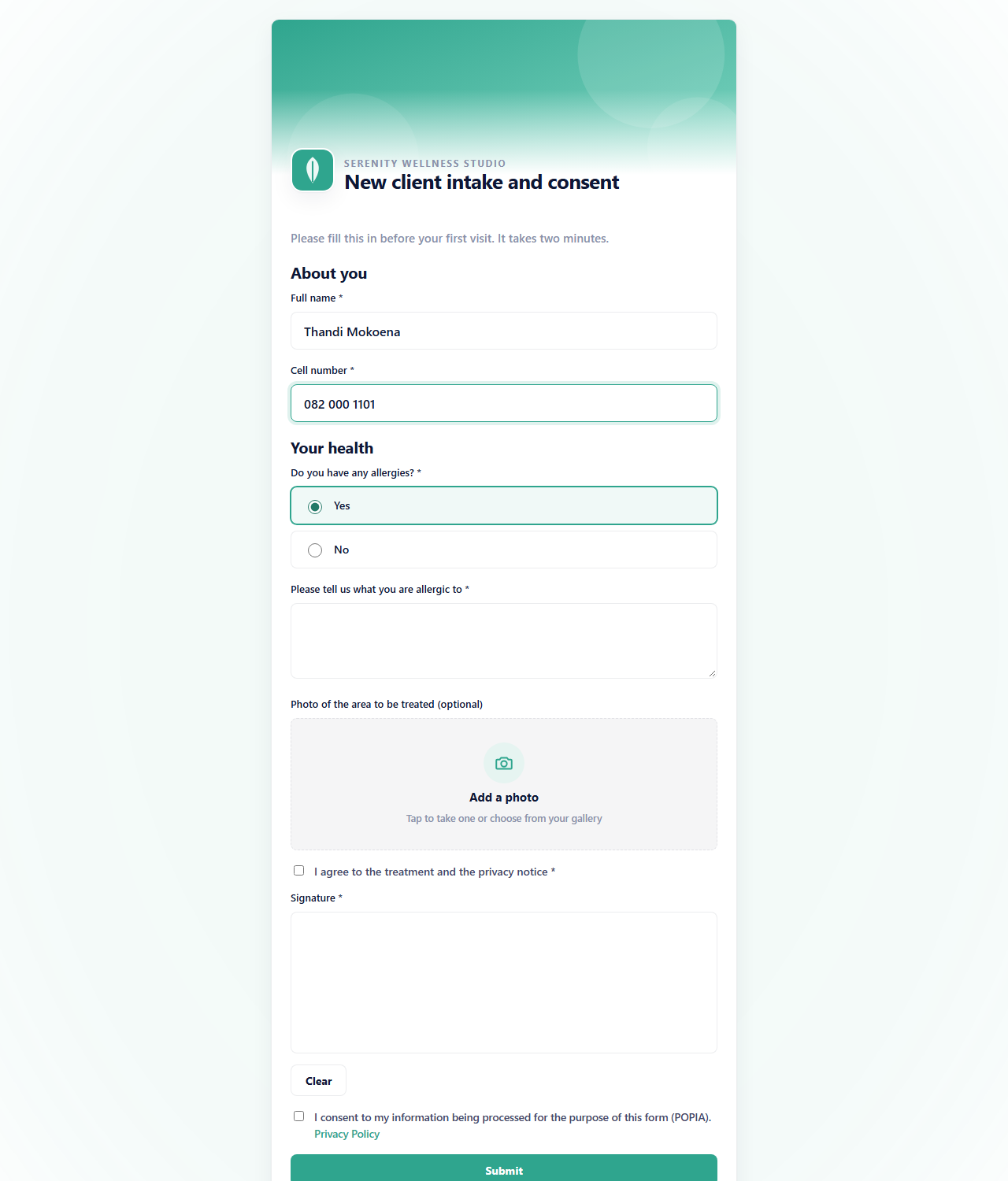
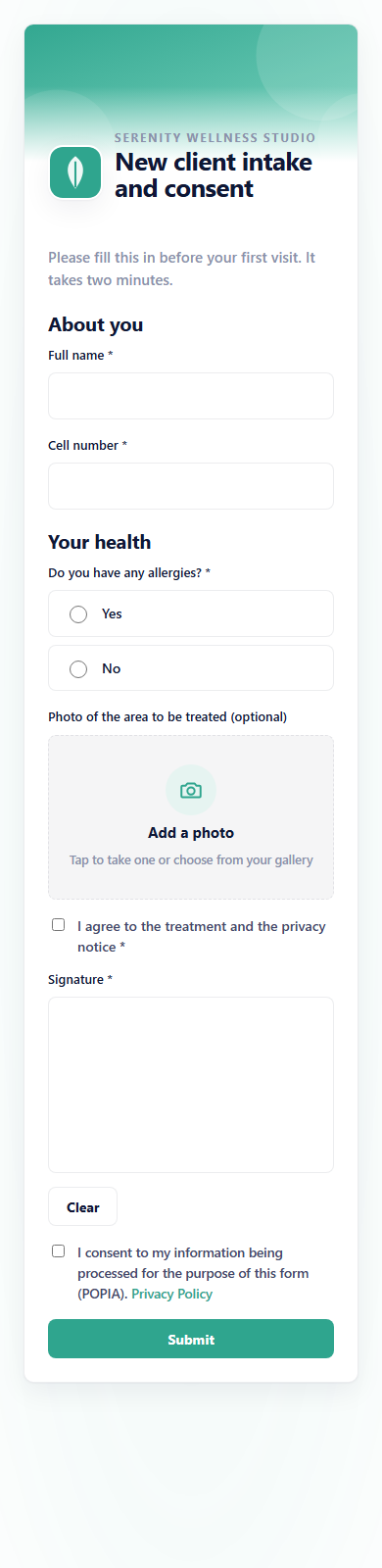
What the client sees
- Your cover image, logo and business name, the form title and description.
- Your questions, in order. Long forms are split into steps by Page break fields. Follow-up questions appear only when relevant.
- A tick box for consent to their information being used for the form (POPIA), with a link to the Privacy Policy. They must tick it.
- A Submit button, then a Thank you message.
If they miss something
Required questions and invalid answers are marked on the page, and the form will not submit until they are fixed. Too many submissions in a short time from one network are paused, and they are asked to try again later.
The pending-form notice
If a confirmed booking’s service has a form that the client has not completed, the booking in Schedule shows a notice saying “intake form still required” (or “intake form not completed yet” if it is optional). This is most common after you promote someone from the waitlist, because waitlisted clients are not shown the form. The notice has Copy link, WhatsApp and Email buttons. Send the link and their answers will be filed against that visit.
Related guides
How to attach a form to a serviceHave clients complete your form when they book, and choose whether it is required.How to share a form with a linkSend a published form to anyone by link or WhatsApp, without them booking first.How to view and export form responsesRead completed forms, search and filter them, print a PDF, or download them all as a CSV.