How to export your clients to a spreadsheet
Download every client as a CSV that opens in Excel or Google Sheets.
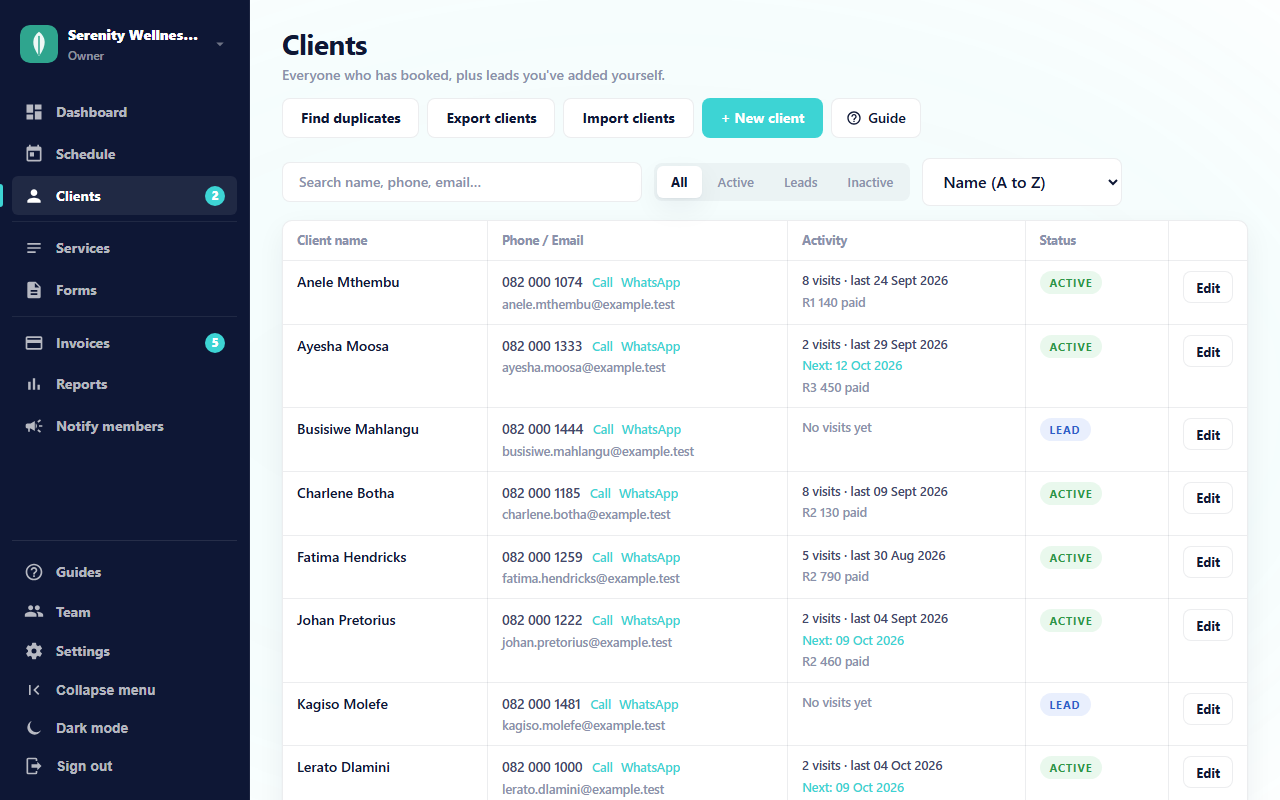
The Export clients button is only shown to the business owner and administrators.
Steps
- Open Clients.
- Click Export clients.
- Open the downloaded clients file (named with today’s date) in Excel or Google Sheets.
What is in the file
One row per client: Name, Phone, Email, Status, Date of birth, Notes, Client since, Visits, Last visit, Next booking, Total paid (R) and WhatsApp updates (Yes or No). The export includes everyone, not just the clients you have filtered on screen.