Book a client yourself
Add a booking on a client's behalf, for a phone call, walk-in or message.
Bookings you make yourself use the same capacity and waitlist rules as the public page. The minimum notice does not apply to you.
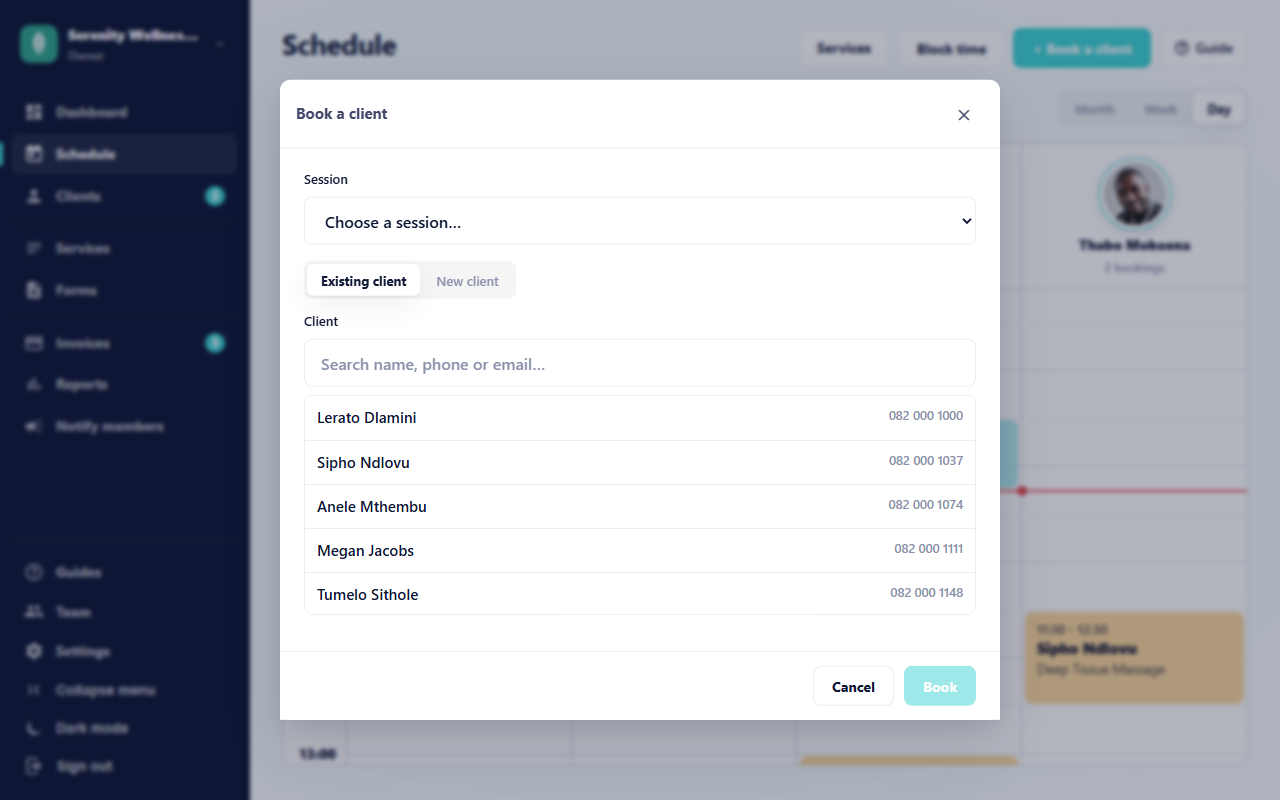
Steps
- Tap + Book a client (on the Schedule, or on your Dashboard).
- Under Session, choose a service. By appointment services are listed under "By appointment (pick a free time)". Class sessions are listed by day and time.
- For a By appointment service, pick the Date, then choose a Free time.
- If you have staff, choose who it is With, or leave it on anyone.
- Choose an existing client, or enter a new client's name, phone and email.
- If it is a couple or group, set How many people.
- Tap Book.
If the session is full
The form tells you the session is full or how many seats are left. If the client does not fit, they are added to the waitlist and you will see "Added to the waitlist".
Cannot find a free time
It says "Nothing free on this date". Check your opening hours, blocked time and other bookings, or try another date.
Related guides
How bookings work, from request to visitThe journey of one booking, what clients see and what you see.The waitlist and promoting a clientWhat happens when a session is full, and how to give someone a place.Capacity, couples and party sizeHow many people fit at once, and how bookings for two or more are counted.Move or reschedule a bookingDrag a booking to a new time or to another staff member.