By appointment or fixed times: which to choose
Appointments suit one-to-one work. Fixed times suit classes and set sessions.
When you create a service you choose how it is booked. Pick the one that matches how you really work.
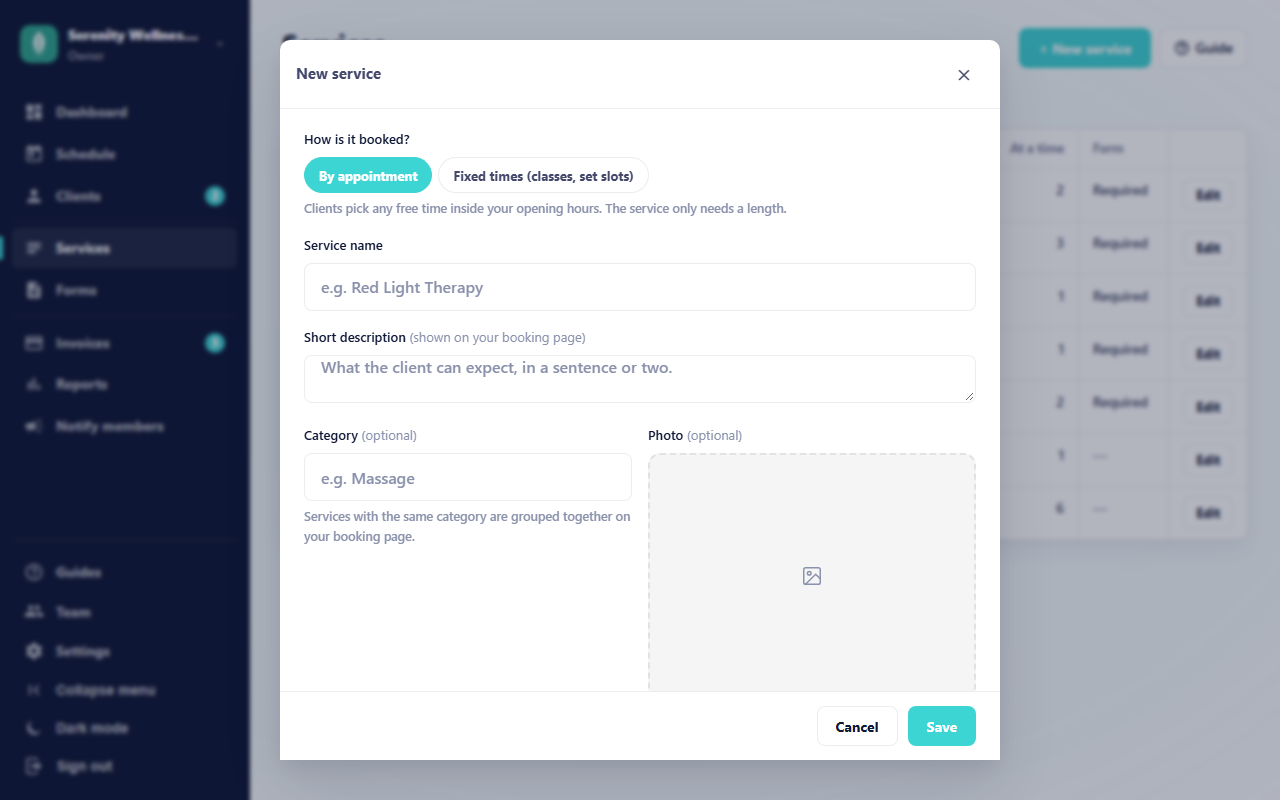
By appointment
- Clients pick any free time inside your opening hours.
- You only set how long it takes. You do not list days or times on the service.
- Good for massage, hair, beauty, coaching, physio, tutoring, consultations.
- The Services table shows "By appointment" and your opening hours.
Fixed times (classes, set slots)
- You choose the days of the week and a start and end time. The app creates a session on each of those days.
- Clients book into a session. When it is full they can join a waitlist.
- Good for yoga, fitness classes, workshops, group sessions.
- Set the days with the day buttons, or use the Weekdays and Every day shortcuts.
Changing your mind
An existing service keeps the mode it was created with, and the mode choice only appears on a new service. If you picked the wrong one, create a new service and set Available until on the old one.
Related guides
Create, edit and stop offering a serviceAdd something clients can book, change it later, or take it off your page.Length, reset time and start timesSet how long a service takes, the gap between clients, and how often start times are offered.Capacity, couples and party sizeHow many people fit at once, and how bookings for two or more are counted.Set your opening hoursTell the app when you work, so clients can book the free time inside.