Record field types, flags and show-only-if rules
What each kind of session record field does, and how to show a question only when it is needed.
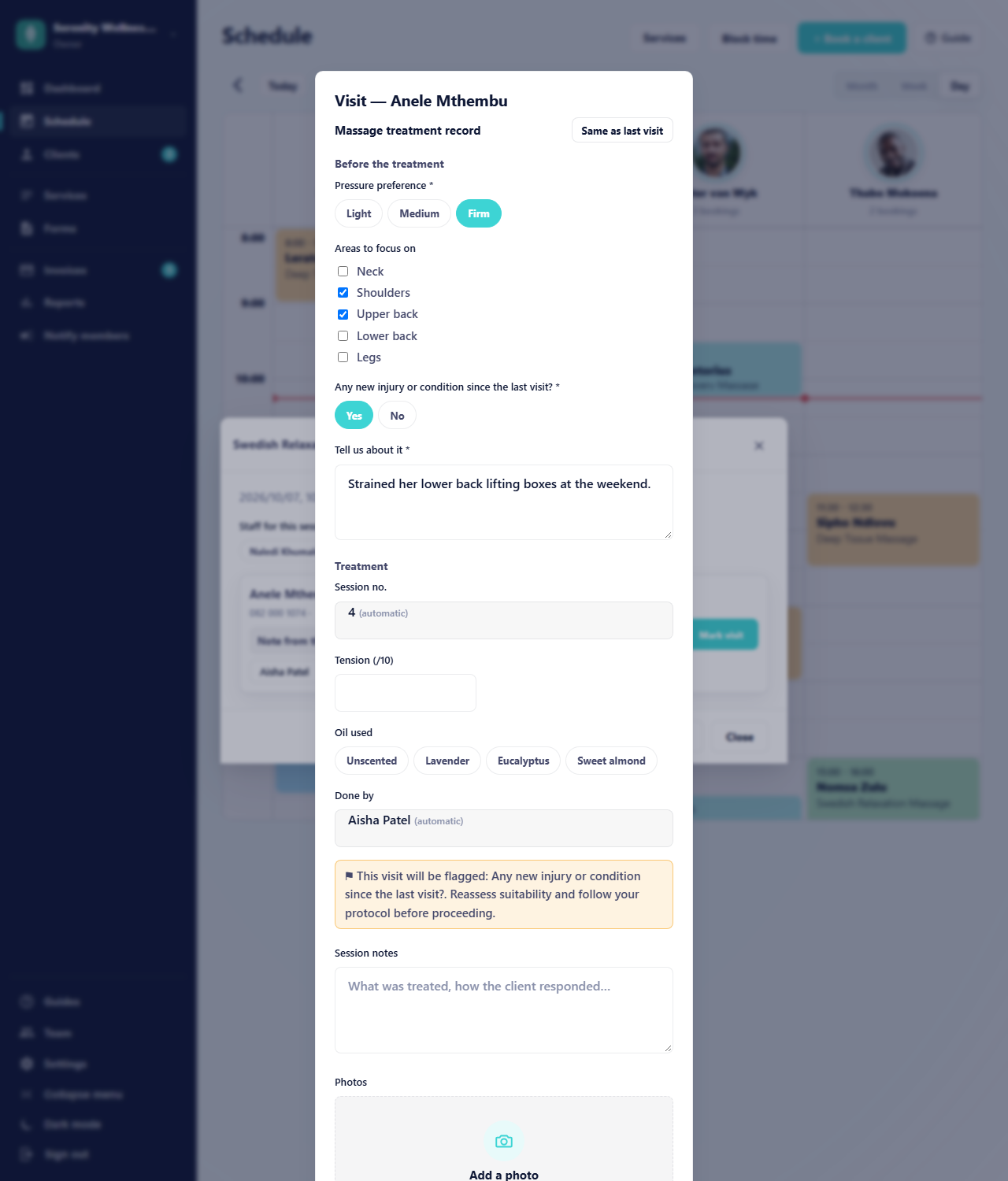
Field types
- Short text and Paragraph for words.
- Number, with an optional Unit (cm, min, mg…) and a Smallest and Largest value.
- Date.
- Pick one (a list where you choose a single answer).
- Tick all that apply (several answers allowed).
- Yes / No.
- Section heading, to group the fields.
- Filled in automatically with: Visit date, Operator, Service, Visit number, or (once per client only) Client number. Staff never type these.
Settings on each field
- Help text (optional): a hint shown under the question.
- Required (when this field is showing).
- The client answers this themselves before the visit.
- Offer to copy this from the client’s last visit. This gives staff a Same as last visit button so they only change what is different.
- Show as a column in the client’s visit log.
Choices
For Pick one and Tick all that apply, type each choice. On a choice you can tick “stands alone” (choosing it clears the others, like “No changes reported”) and “flag”. Yes / No fields have a “Flag the visit when the answer is” setting.
Flags
A flag highlights the visit and the client so nothing important is missed, for example an adverse reaction. Staff see a warning while they record, the client gets a flag mark in the Clients list, and the visit is counted in the records report.
Show only if
Under Show only if, choose an earlier field, a condition (is, is not, includes, does not include, has an answer, has no answer) and a value. The field then only appears when that is true. You can add more than one condition and all must match. A field can only look at fields above it.