How to print an invoice or save it as a PDF
Use the browser’s print window to print the invoice or save a PDF to email.
Everyday · 2 min read
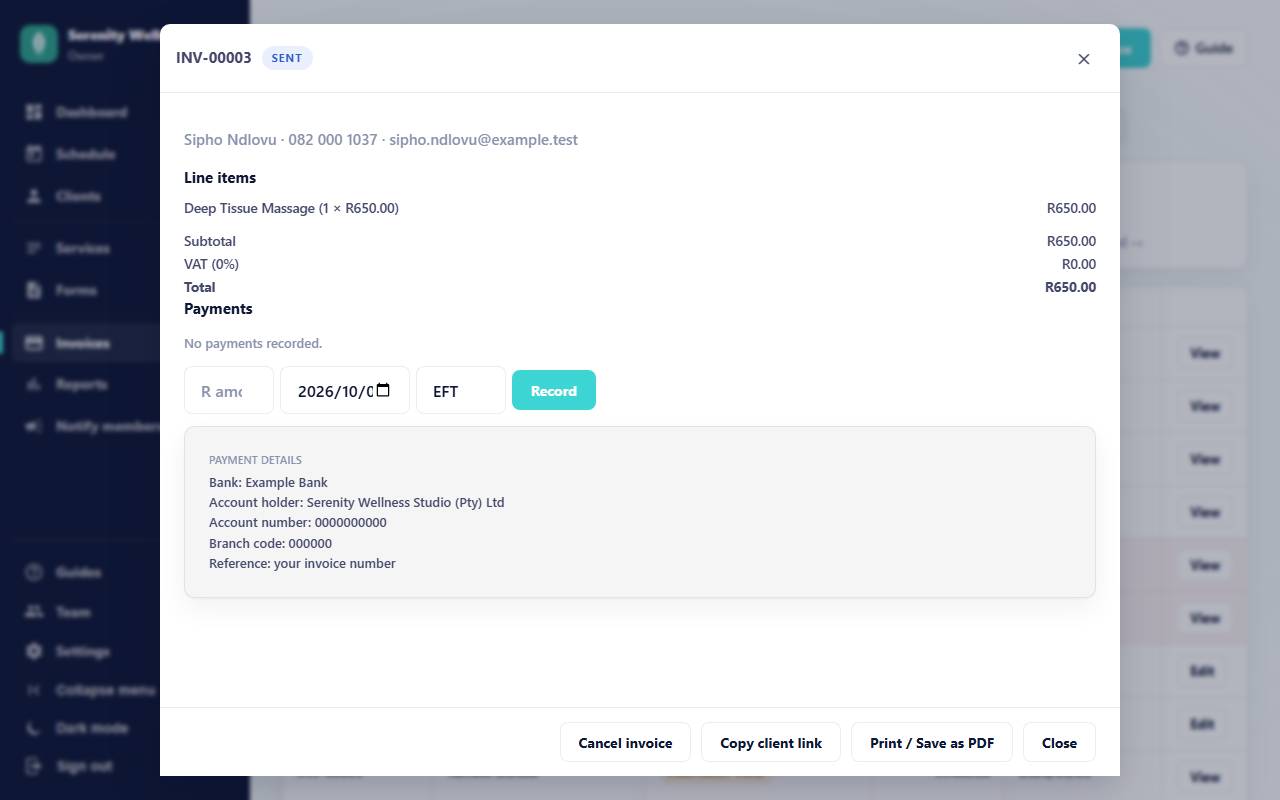 Print / Save as PDF is in the footer, next to Copy client link and Close.
Steps
- Open the invoice from Invoices with “View” or “Edit”.
- Click “Print / Save as PDF” at the bottom.
- In the print window, choose “Save as PDF” as the printer to make a file, or pick your printer to print.
- Click Save or Print.
Related guides