My invoice shows R0.00
The invoice has no priced lines. Add a line while it is still a draft.
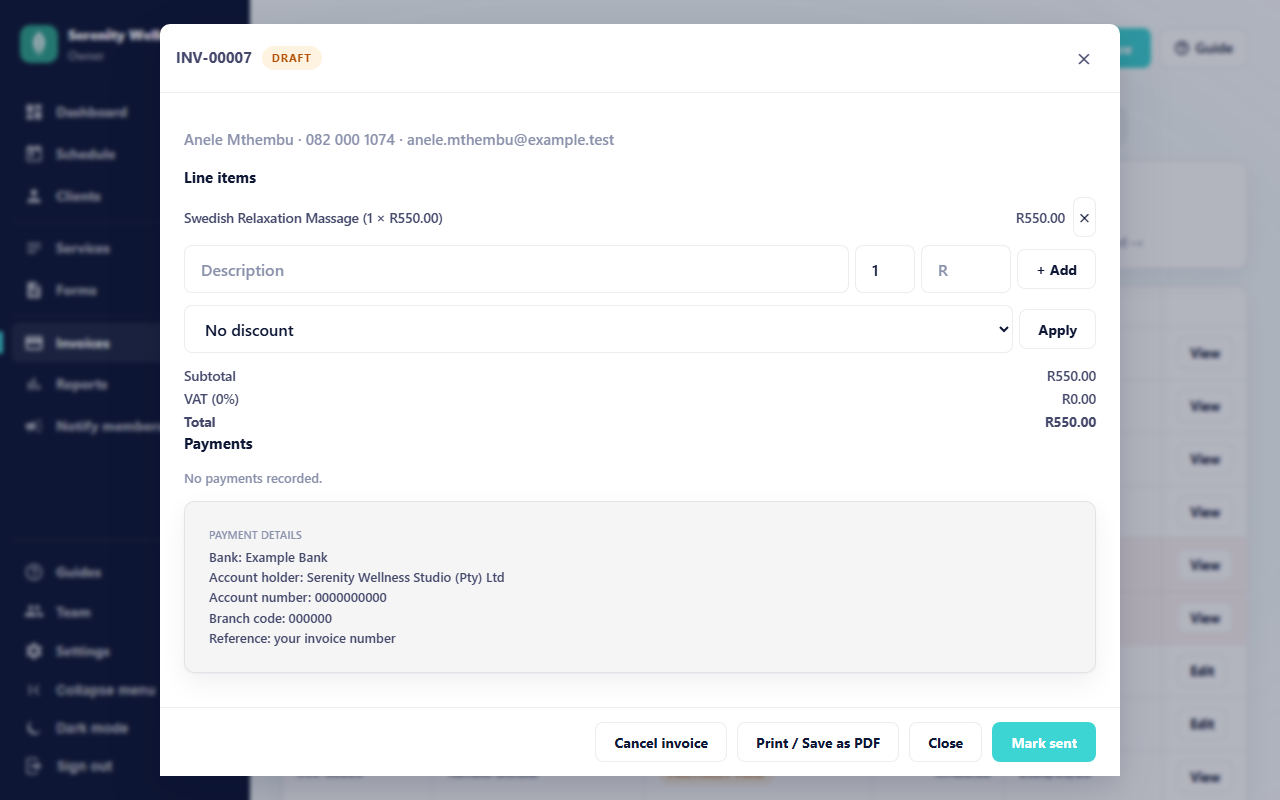
Steps
- Open Invoices and click “Edit” on the invoice.
- Check “Line items”. A service with no price makes a line of R0.00.
- Remove the R0 line with ✕ if you do not need it.
- Add a line with a Description and the correct price, then click “+ Add”.
- Check the Total, then click “Mark sent”.