How to show a question only when it applies
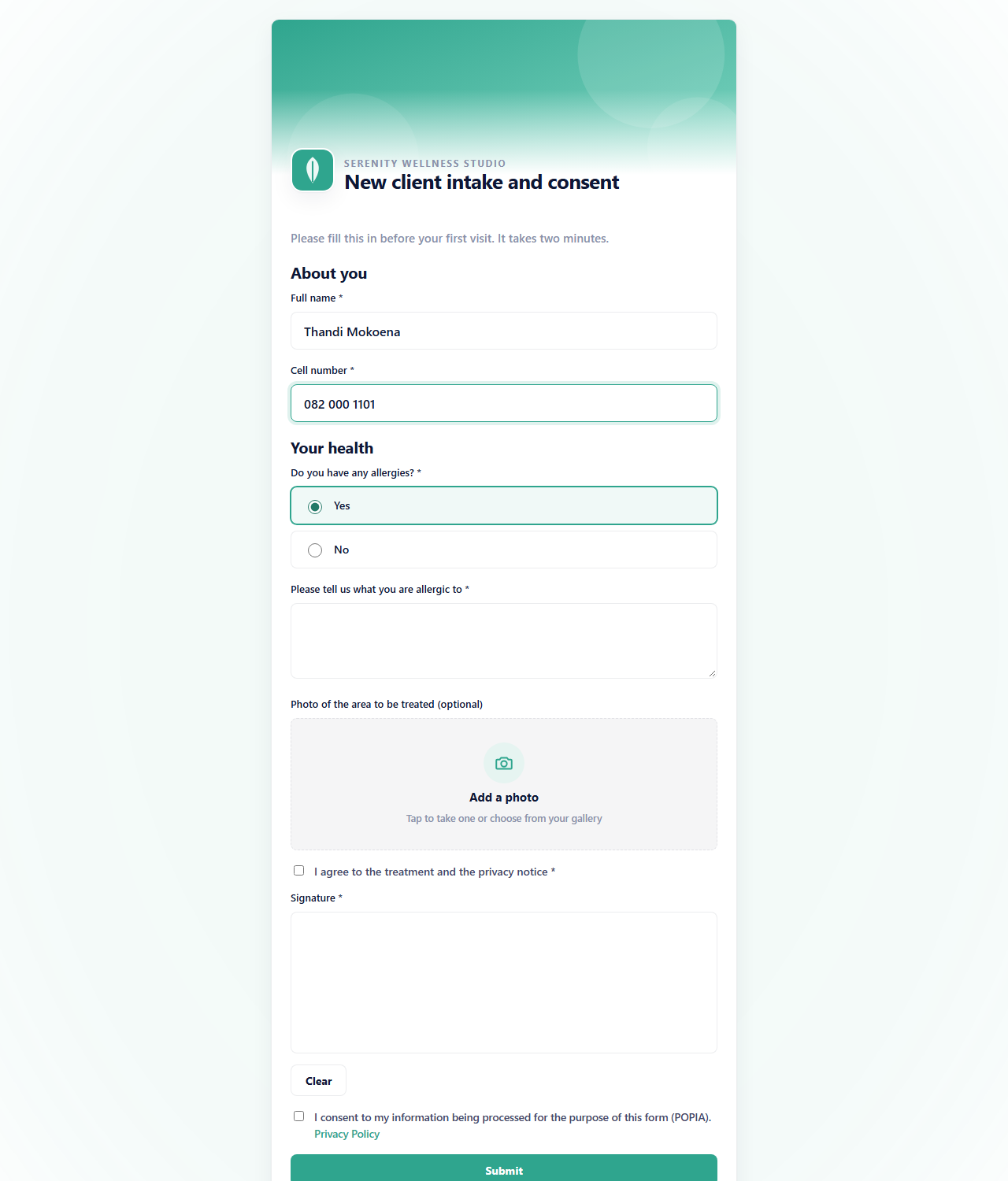
Use “Show this field only if…” so clients only see follow-up questions when they are relevant.
Steps
- Open the form and expand the question you want to show conditionally.
- Under Show this field only if…, choose an earlier question.
- In the second box, choose the answer that makes it appear (for a checkbox, is ticked or is not ticked).
- Check it works with Preview.
- Click Save draft or Save.
Rules
- The box only appears when there is an earlier question to look at.
- The question it depends on must be above it in the form, and be a question with choices or a checkbox.
- Choose Always show to remove the rule.
- You must pick the answer. Until you do, the rule is not active.