How to create a blank invoice for any client
Start an invoice that is not tied to a visit, for products, packages or anything else.
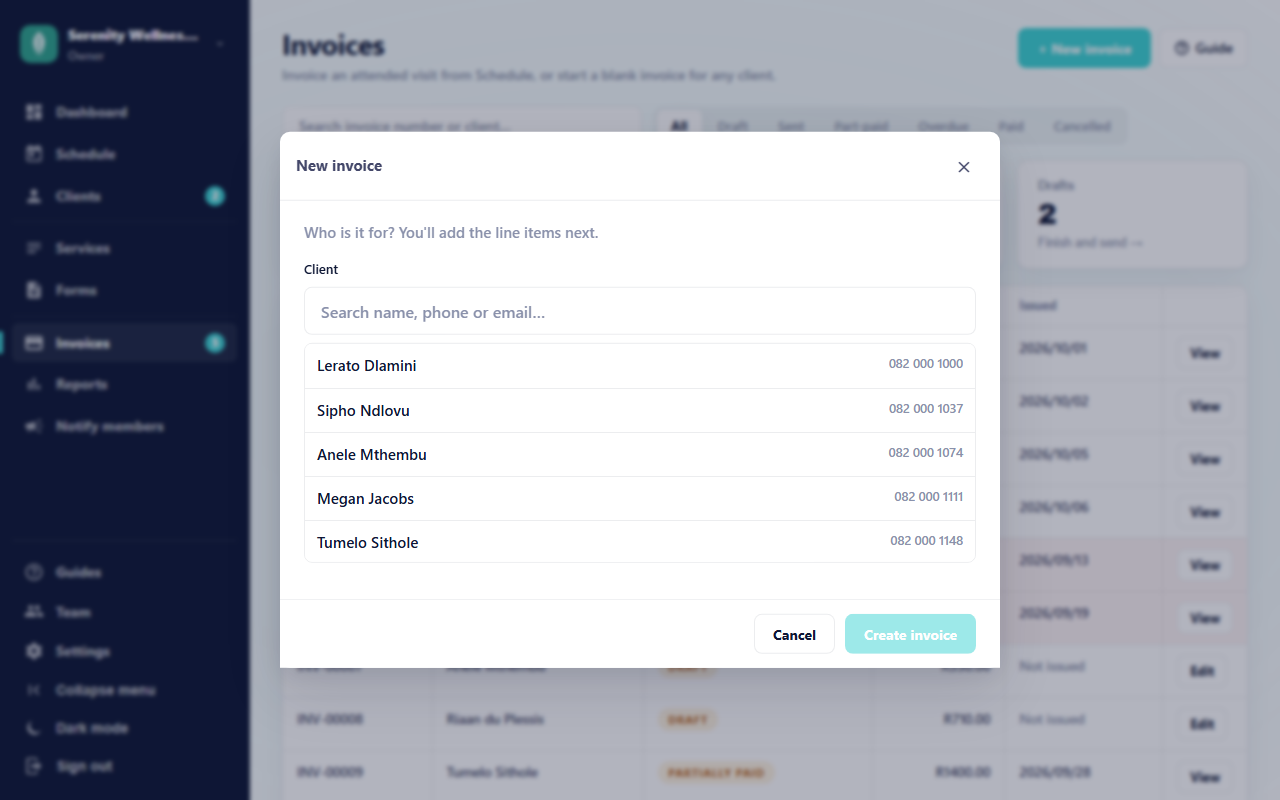
Steps
- Open Invoices from the menu.
- Click “+ New invoice”. On your Dashboard you can click “+ New invoice” too.
- Pick the client in the box that opens. The client must already exist.
- Click “Create invoice”.
- The draft opens. Add your line items under “Line items”.
- Click “Mark sent” when it is ready.