An image or logo is not showing
Fix pictures that will not upload or do not appear.
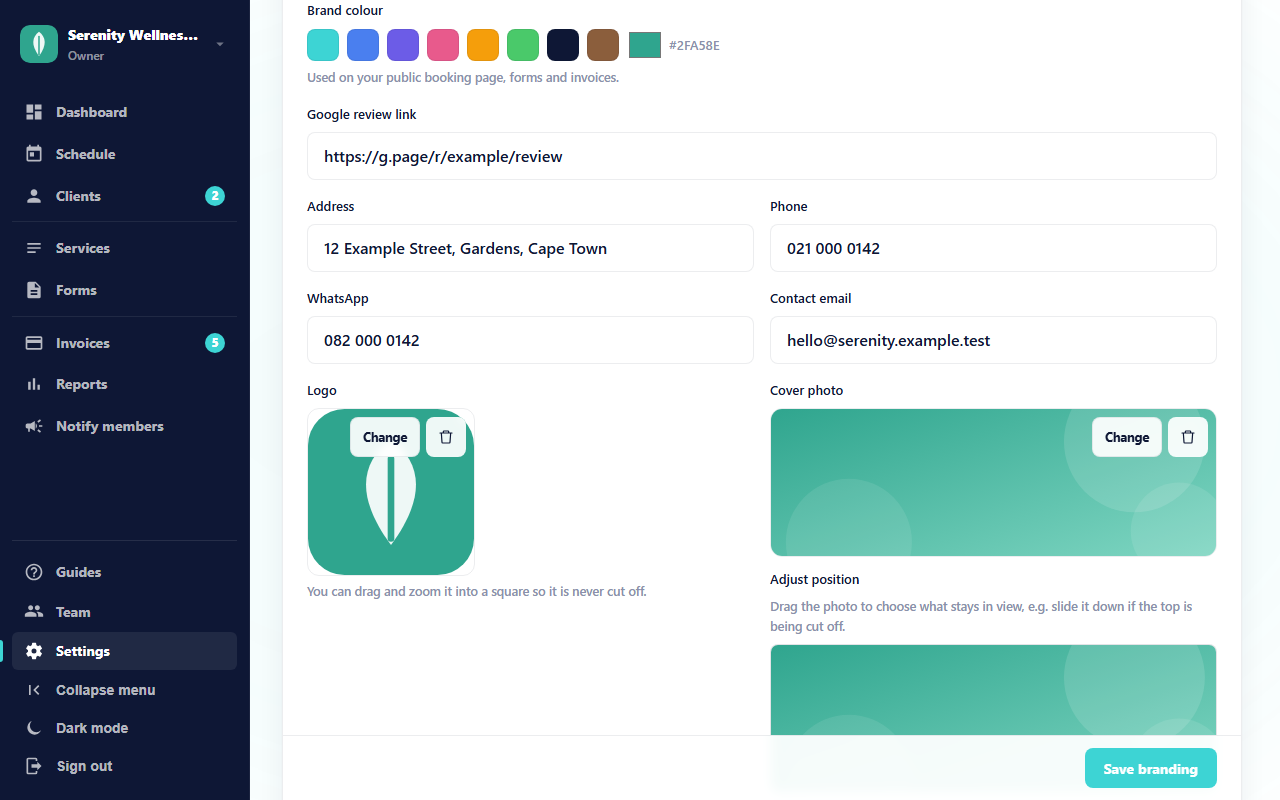
Steps
- Check you clicked “Save branding” after adding the picture.
- Use a normal JPG or PNG, and keep it a reasonable size.
- Drag it in again, or click the box to browse.
- Adjust the crop so the logo fits the square.
- Refresh the page. Open your booking page in a private window to see what clients see.